
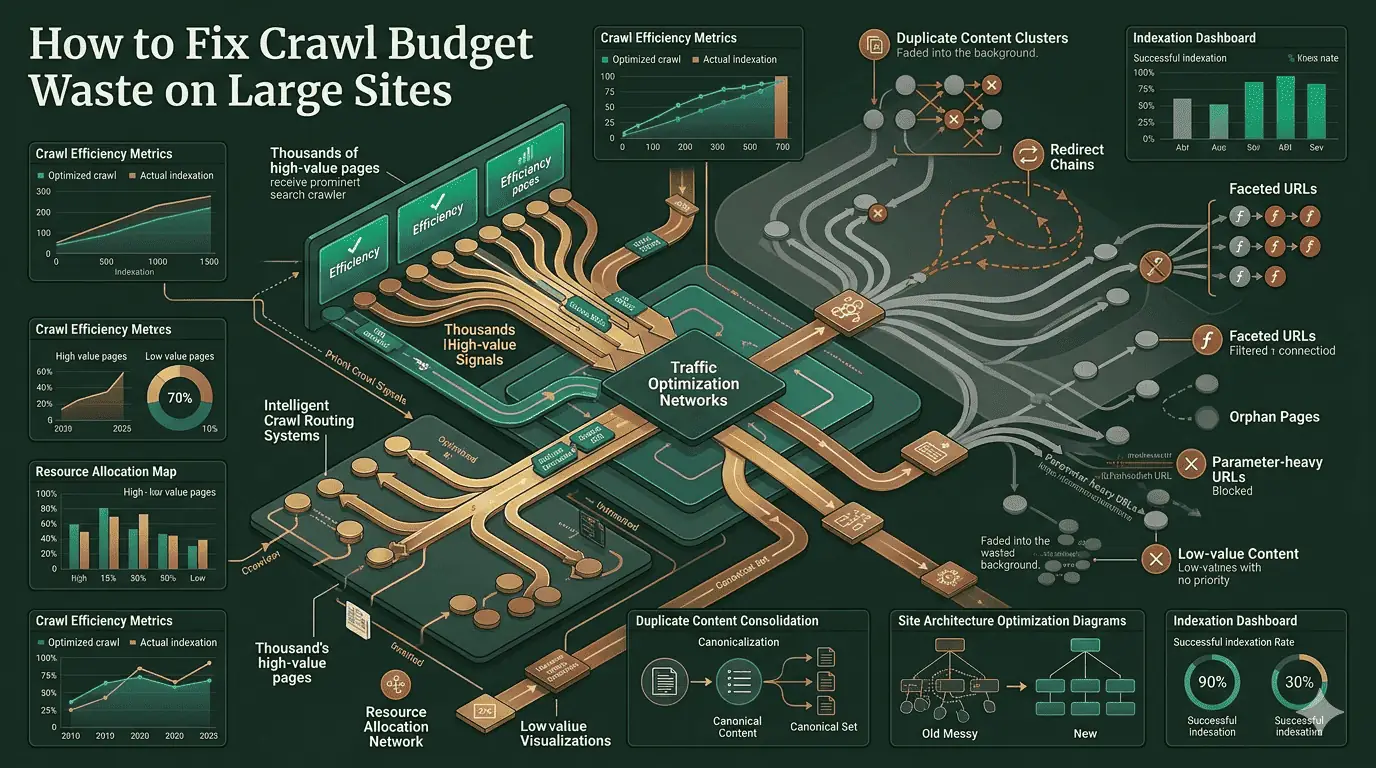
Crawl budget is finite. For sites with tens of thousands of URLs, how efficiently you spend it directly determines how quickly content gets indexed and how completely Google understands your site.
Diagnose the problem first
Before fixing anything, understand what Googlebot is actually crawling versus what it should be crawling. The Crawler Simulator shows you your pages from the bot's perspective — which links it follows, which directives it respects, and what it actually sees after rendering.
See your pages the way Googlebot does — analyzing crawlability, rendering, directives, links, and indexation signals. The fastest way to identify what's eating your crawl budget.
The biggest sources of crawl waste
URL parameters and faceted navigation
Faceted navigation on e-commerce and directory sites is the single biggest generator of crawl waste. Every combination of filters creates a unique URL — colour + size + price range can generate thousands of URLs for a single product category. The fix: canonical tags pointing all parameter variants back to the non-parameterised category page.
Internal search result pages
If your site has internal search and those results pages are crawlable, you have a problem. Block these with robots.txt or noindex — there is no scenario where indexing /search?q=something&sort=price adds value.
Canonical issues creating duplicate crawl paths
Canonical chain errors and missing self-canonicals cause Googlebot to crawl the same content through multiple paths. This is especially common after CMS migrations. The Canonical Checker surfaces these issues instantly.
Detect canonical chain errors, self-referential loops, cross-domain conflicts, and missing rel=canonical tags. Free — no account needed.
Fix your robots.txt directives
robots.txt is your most direct lever for steering Googlebot away from low-value paths. But it's also where mistakes are most damaging — blocking the wrong paths can hurt indexing fast.
Validate every directive in your robots.txt and audit AI bot access. Catches blocking mistakes before they damage your crawl and indexing signals.
Fixes that actually work
| Issue | Fix | Priority |
|---|---|---|
| Parameter URLs duplicating content | Canonical tags + URL parameter handling in GSC | High |
| Crawlable internal search pages | robots.txt Disallow for search path | High |
| Thin paginated archive pages | noindex on page 2+ or remove from sitemap | Medium |
| Orphaned pages (no inbound links) | Delete or consolidate content, update internal links | Medium |
| Soft 404 pages returning 200 | Return proper 404/410 status codes | High |
| Redirect chains (A→B→C→D) | Update links to point directly to final destination | Medium |
Validate your sitemap after cleanup
Once you've cleaned up the crawl waste sources, update your sitemap to only reference pages you actively want indexed. Then validate it before resubmitting.
Validate XML sitemaps, detect errors, and verify search-engine-friendly structure. Ensures your cleaned-up sitemap sends the right signal to Googlebot.
Co-founder and CTO of SEOVentra. Builds the indexing pipelines, audit engine, and AI visibility infrastructure. Former backend engineer obsessed with making search work at scale.